
The Shift in Server-Side Engineering
Writing backend code used to mean spending hours drafting boilerplate CRUD operations, writing tedious unit tests, and digging through Stack Overflow to figure out why your SQL join was failing. Today, the landscape looks entirely different. If you aren’t integrating the best ai automation tools for backend development into your workflow, you’re doing unnecessary heavy lifting.
Over the past few months, I’ve completely overhauled my tech stack. I’ve been testing various AI assistants strictly from a backend perspective—evaluating them on how well they handle complex database migrations, microservices architecture, and CI/CD pipeline configurations. The evolution of AI in software development has moved past simple autocomplete; we’re now talking about systems that can interpret context across an entire massive monolithic repository.
In this guide, I’ll break down the top tools I’ve personally used, highlighting their strengths, weaknesses, and performance when handling actual server-side logic.
1. GitHub Copilot: The Best All-Rounder for API Boilerplate
GitHub Copilot is the elephant in the room, but for good reason. Powered by OpenAI models, it integrates directly into your IDE. For backend developers, Copilot’s greatest strength is its ability to understand your routing and controller patterns. Once I write a single REST endpoint in Express or FastAPI, Copilot instantly understands my naming conventions and error-handling preferences for the remaining endpoints.
Strengths
- Unmatched Context Awareness: Copilot Workspace (and the chat feature) can read open files, making it excellent for matching your existing architecture.
- Boilerplate Destruction: Automates repetitive tasks like creating DTOs (Data Transfer Objects), interfaces, and ORM schemas.
- Terminal Integration: Copilot in the CLI is a lifesaver for writing complex Docker, bash, or Git commands.
- Broad Language Support: Excels equally in Node.js, Python, Go, and Rust.
- Ecosystem Integration: Hooks perfectly into GitHub Actions for CI/CD automation.
Weaknesses
- Hallucinations with Niche Libraries: If you use an obscure or very newly updated database driver, Copilot often suggests deprecated methods.
- Security Blind Spots: It will occasionally suggest insecure SQL queries if you aren’t strict about enforcing parameterized queries in your prompts.
- High Resource Usage: The IDE extension can get heavy on RAM.
Pricing & Performance
At $10/month for individuals (or $19/user/month for Enterprise), it pays for itself in an hour. Performance-wise, latency is practically zero for inline suggestions, though larger refactoring prompts via Copilot Chat can take 5-10 seconds to generate.
2. CodiumAI (Qodo): The Best for Automating Backend Tests
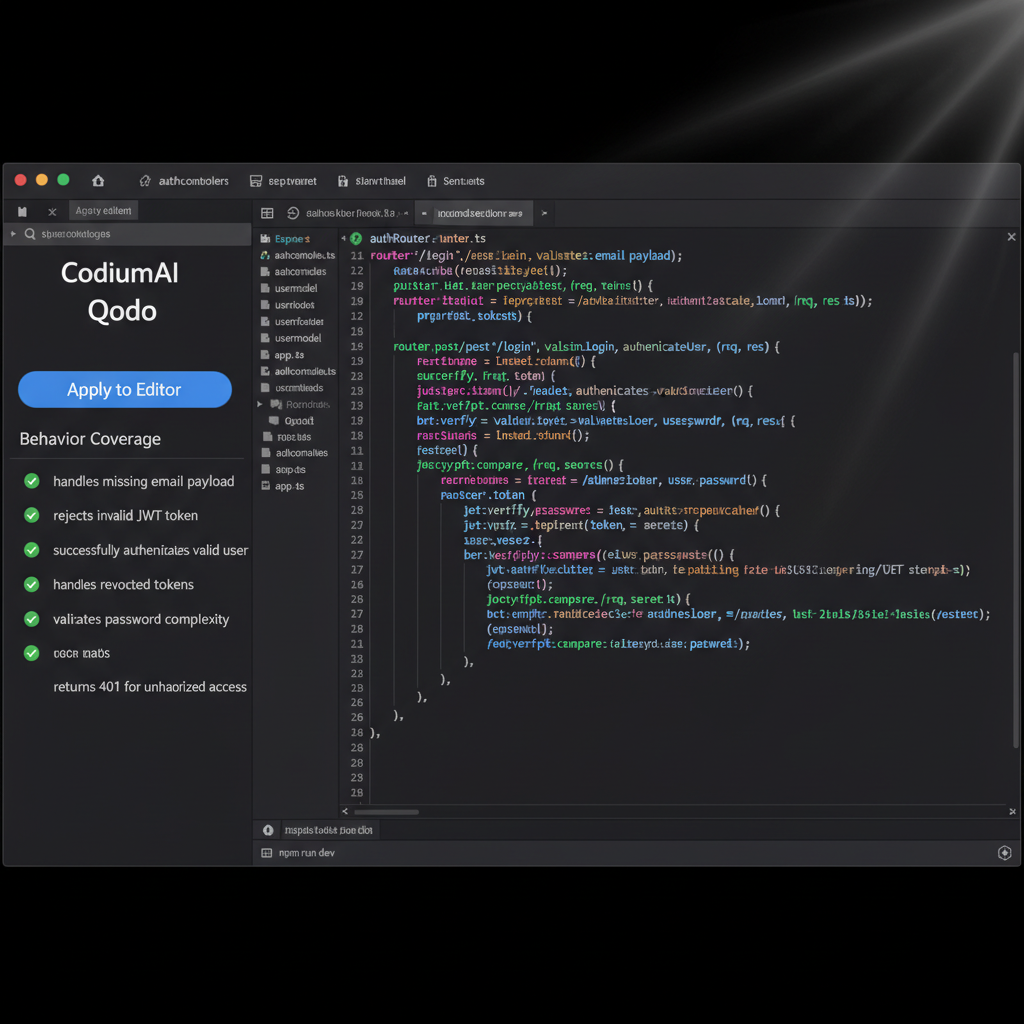
Testing backend logic—especially mocking database connections and external APIs—is tedious. CodiumAI (now pivoting to the name Qodo) is built specifically for code integrity. Instead of just writing features, it focuses on automating backend tasks like unit testing, integration testing, and code reviews.
Strengths
- Behavior Analysis: It analyzes your backend code and suggests edge cases you probably forgot about (like handling null payloads or rate limiting).
- Automated Mocking: Excellent at generating mocks for database calls (like Jest mocks for Prisma or Mongoose).
- PR Review Automation: Their PR agent automates code reviews, catching logical errors before they merge.
- Security Focused: Proactively checks for OWASP vulnerabilities in your API routes.
- Non-Intrusive: Doesn’t constantly throw ghost text at you; it works in a side panel when you need it.
Weaknesses
- Steep Learning Curve: The UI is more complex than simple chat interfaces.
- Slower Generation: Because it runs comprehensive analysis, generating a full test suite takes longer than a quick Copilot prompt.
- Less Helpful for Raw Scaffolding: Not the tool you use to write an app from scratch.
Pricing & Performance
The developer tier is free, while the Teams plan starts at $19/user/month. It’s slower than Copilot but incredibly thorough. If you want to increase your code coverage without spending days writing unit tests, this is the tool.
3. Amazon Q Developer: Best for AWS Infrastructure
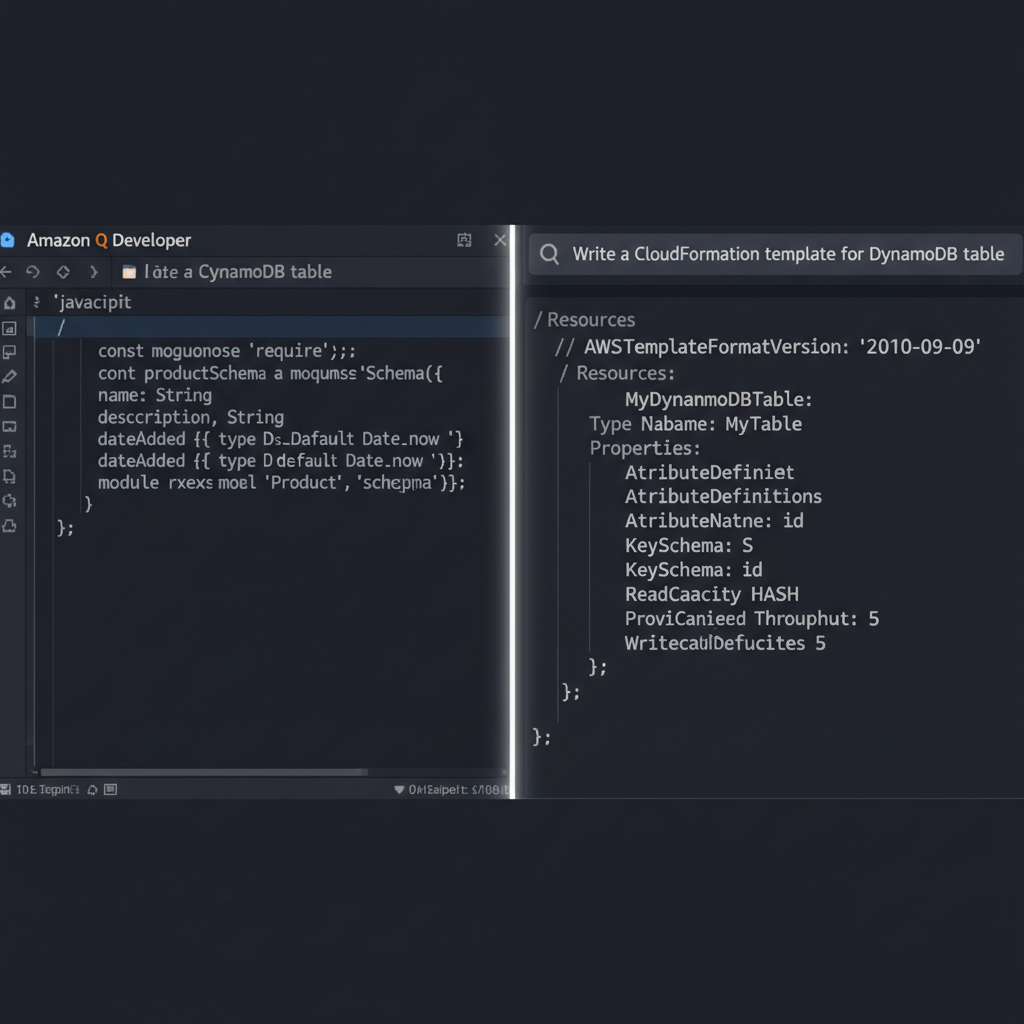
Formerly known as CodeWhisperer, Amazon Q Developer is an absolute powerhouse if your backend lives on AWS. As someone who frequently wrestles with IAM policies and Lambda functions, Amazon Q feels like having an AWS Solutions Architect sitting next to me.
Strengths
- AWS Native: Automatically generates highly accurate AWS CDK, CloudFormation, and Terraform scripts.
- Security Scanning: Built-in security scans that reference actual CVE databases.
- Free Tier: The individual tier is completely free.
- CLI Assistant: The Q CLI tool (formerly Fig) translates natural language into complex terminal commands flawlessly.
- Reference Tracking: If it uses open-source code, it provides the license and repository reference.
Weaknesses
- AWS Biased: If you use GCP or Azure, its infrastructure advice is noticeably worse.
- Less Fluid Chat: The chat interface feels clunkier than ChatGPT or Copilot.
- Strict Filtering: Sometimes overly aggressive moderation filters block legitimate code generation.
Pricing & Performance
The Pro version is $19/month, but the free tier is extremely generous. Generation speed is comparable to Copilot, but its real performance edge is in the CLI, where it executes commands instantly.
4. Codeium: Best Free Alternative with Ultra-Low Latency
I frequently recommend Codeium to junior developers or freelancers who want top-tier AI without the monthly subscription. Codeium has built their own models and infrastructure, resulting in blazingly fast autocomplete.
Strengths
- Incredible Free Tier: Truly unlimited autocomplete and chat for individuals.
- Speed: Noticeably faster inline suggestions than Copilot.
- IDE Support: Works in virtually every IDE, including obscure ones that Copilot ignores.
- Context Search: Their indexing allows you to ask “where is the database connection established?” and it finds it instantly.
Weaknesses
- Complex Logic: Struggles slightly more with highly complex, multi-file architectural refactoring compared to GPT-4 based tools.
- Chat Context: The chat window sometimes forgets previous constraints in long conversations.
- Less Ecosystem Tooling: Lacks the deep GitHub or AWS integrations of its competitors.
Comparing the Top Contenders
Here is how these tools stack up specifically for server-side engineering tasks:
| Feature / Tool | GitHub Copilot | CodiumAI (Qodo) | Amazon Q | Codeium |
|---|---|---|---|---|
| Best Use Case | General API & Logic | Testing & Reviews | AWS Infrastructure | Fast Autocomplete |
| Context Awareness | Excellent | Deep Analysis | Moderate | Good |
| Security Scanning | Basic | Advanced | Enterprise-Grade | Basic |
| Individual Pricing | $10/month | Free tier available | Free tier available | Free |
| Offline Mode | No | No | No | No |
My Final Verdict on Best AI Automation Tools for Backend Development: Which Should You Use?
Keeping up with backend development trends 2024 means choosing tools that fit your specific stack. There is no single “best” tool; rather, there’s a best combination.
My daily driver setup: I use GitHub Copilot for raw code generation and scaffolding out controllers and services. However, when I’m ready to commit, I run the code through CodiumAI to generate my edge-case unit tests and catch logic flaws. If I am writing an infrastructure-as-code script for AWS, I temporarily toggle on Amazon Q.
If you are on a strict budget, install Codeium immediately. It offers 90% of Copilot’s functionality for exactly zero dollars, making it the most practical entry point into AI-assisted backend development.
Frequently Asked Questions
Are AI coding tools safe for proprietary backend code?
It depends on the tool and your license. Enterprise tiers of GitHub Copilot, Amazon Q, and Tabnine explicitly state they do not use your proprietary code to train their public models. However, if you are using free individual tiers, your data might be used for training. Always review the telemetry settings and opt out of data sharing if you are working on private enterprise code.
What is the best AI automation tool for Python and Django?
GitHub Copilot and Codeium both excel at Python and Django. Because Python is one of the most widely used languages on GitHub, Copilot has an massive amount of context for Django’s ORM and project structure. It can accurately predict complex QuerySet operations and database model definitions.
Can AI write complex SQL queries and database migrations?
Yes, but with caveats. AI tools are excellent at generating standard JOINs, aggregations, and basic migration scripts. However, for highly complex, optimized queries involving millions of rows, AI often writes functionally correct but computationally expensive queries. Always use the EXPLAIN command to verify an AI-generated query’s performance before running it in production.
Will AI replace backend developers?
No. AI is replacing the need to write repetitive boilerplate code, but it cannot replace system design, architectural decision-making, security auditing, or understanding business logic requirements. Backend developers are evolving into system orchestrators who use AI to build faster.
How do these tools handle microservices architectures?
Tools like GitHub Copilot Workspace and Codeium are improving at cross-file context. If you open files from different microservices in your IDE workspace, the AI can often infer the relationship (e.g., matching a payload from a Go service to a Node.js consumer). However, you still need to explicitly define API contracts for the AI to follow.
Does AI automation help with CI/CD pipeline creation?
Absolutely. Writing YAML files for GitHub Actions, GitLab CI, or Jenkins is one of the best use cases for AI. You can simply prompt ‘Create a GitHub Action to run Jest tests, build a Docker image, and push it to AWS ECR on merge to main’, and tools like Amazon Q or Copilot will generate a 95% accurate configuration.
Can I use these AI coding tools completely offline?
Generally, no. Tools like Copilot, Codeium, and Amazon Q rely on massive LLMs hosted on cloud servers to generate responses. However, there are open-source alternatives like LocalAI or Ollama combined with extensions like Continue.dev that allow you to run smaller models (like Llama 3 or StarCoder) entirely offline on your local machine, though with lower accuracy.
Which AI tool is best for legacy backend systems (like Java/Spring)?
Tabnine and GitHub Copilot perform exceptionally well with legacy Java codebases. Tabnine, in particular, is highly favored in enterprise environments because it can be trained locally on your specific legacy codebase, allowing it to understand internal company libraries and outdated design patterns better than a general-purpose model.
Official resources for Best AI Automation Tools for Backend Development
Documentation and references for Best AI Automation Tools for Backend Development:
