The Automation Tipping Point
If you’ve been building backends for long enough, you’ve likely hit the “automation tipping point.” It usually starts innocently: a user signs up, you send them a welcome email, and maybe ping a Slack channel. You wrap it in an API route and call it a day.
But then the requirements evolve. What if the email API is down? You need retries. What if they need to be billed three days later? You add a cron job. What if the billing fails? Suddenly, your codebase is a fragile web of database flags, message queues, and scheduled tasks. This is exactly why I’ve put together this introduction to workflow engines for developers.
In my experience, building state management and complex retries from scratch is a trap. Instead of reinventing the wheel, we can leverage dedicated tools that handle the heavy lifting of orchestration. Let’s dive in.
What is a Workflow Engine? (Core Concepts)
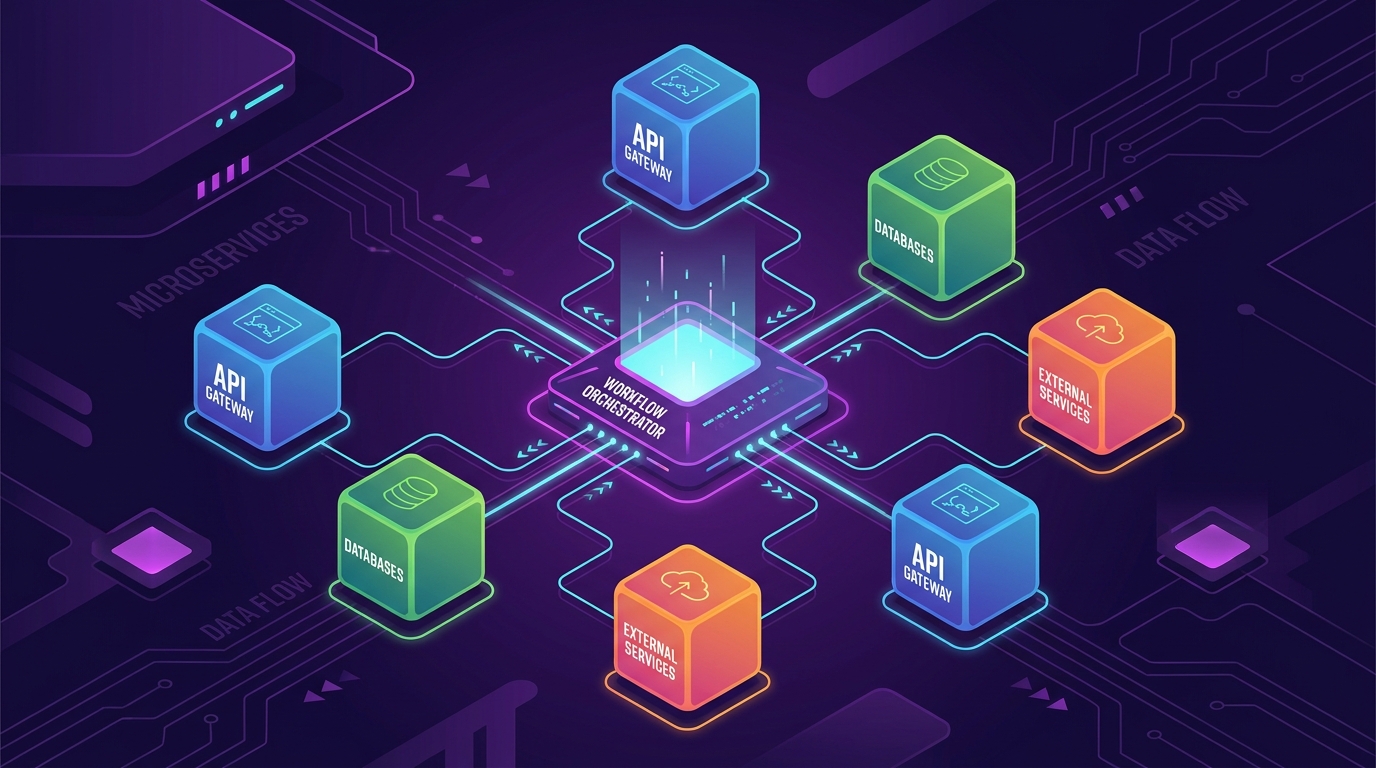
At its core, a workflow engine is a software system that manages the execution, tracking, and state of a series of tasks (a workflow). Think of it as an air traffic controller for your code.
To really grasp how workflow engines work, you need to understand three fundamental concepts:
- State Management: The engine acts as a persistent brain. If a server crashes midway through a 10-step process, the engine remembers exactly where it left off and resumes automatically.
- Orchestration vs. Choreography: Instead of microservices blindly reacting to events (choreography), a workflow engine actively directs which service does what and when (orchestration).
- Activities and Workflows: Activities are the actual units of work (making API calls, writing to a DB). Workflows are the blueprints defining the order, retries, and logic connecting those activities.
Getting Started: Why You Actually Need One
Before adopting any new technology, I always ask: What does this replace?
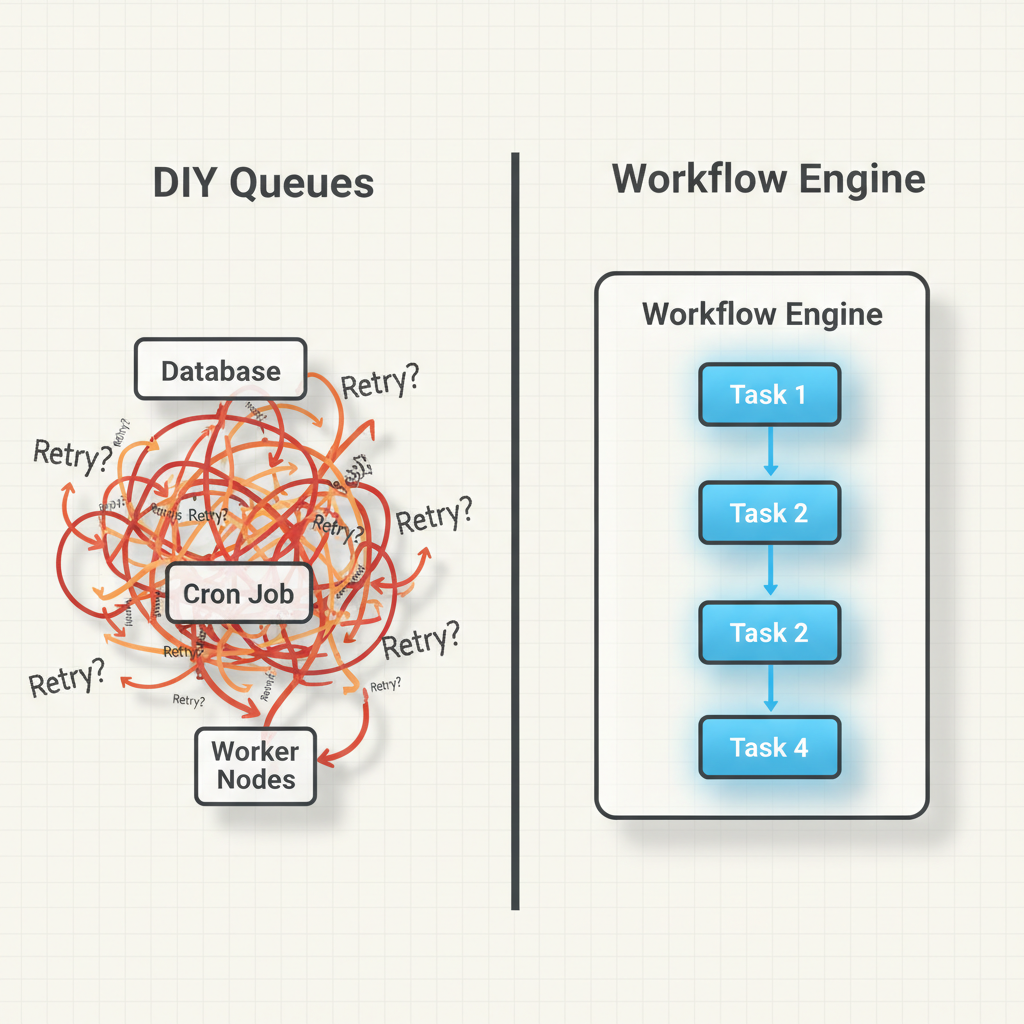
If you brush up on your backend development basics, you know the DIY approach to long-running tasks usually involves cron jobs polling a database, combined with message queues like RabbitMQ or Redis. While this works initially, it lacks visibility.
With a workflow engine, you get:
- Out-of-the-box retries: Define exponential backoff policies with a single line of code.
- Timeouts and Compensating Transactions: Easily say, “If this step takes longer than 5 minutes, cancel it and trigger a rollback function.”
- Complete Observability: You get a dashboard showing exactly where a process failed, the input parameters, and the error logs.
As shown in the architectural comparison image above, moving from a DIY queue system to a dedicated engine drastically simplifies your mental model.
Building Your First Project: Order Processing
Let’s look at what this actually looks like in code. For this example, I’ll use Temporal, a wildly popular, developer-first workflow engine. We’ll write a simple TypeScript workflow that charges a customer and updates inventory.
Step 1: Define the Activities
Activities are just normal functions. They can talk to the outside world, fail, and be retried.
// activities.ts
export async function chargeCustomer(amount: number, accountId: string): Promise<string> {
  // In reality, you'd call Stripe/PayPal here
  console.log(`Charging $${amount} to account ${accountId}`);
  return "txn_12345";
}

export async function updateInventory(itemId: string): Promise<void> {
  console.log(`Deducting item ${itemId} from inventory`);
}
Step 2: Write the Workflow
This is where the magic happens. The workflow code looks like standard procedural code, but the engine ensures it executes durably.
// workflows.ts
import { proxyActivities } from '@temporalio/workflow';
import type * as activities from './activities';

const { chargeCustomer, updateInventory } = proxyActivities<typeof activities>({
  startToCloseTimeout: '1 minute',
  retry: {
    initialInterval: '1 second',
    maximumAttempts: 5,
  }
});

export async function processOrderWorkflow(amount: number, accountId: string, itemId: string): Promise<string> {
  // Step 1: Charge the customer
  const transactionId = await chargeCustomer(amount, accountId);

  // Step 2: Update the inventory (only runs if charging succeeds)
  await updateInventory(itemId);

  return `Order successful. Txn: ${transactionId}`;
}
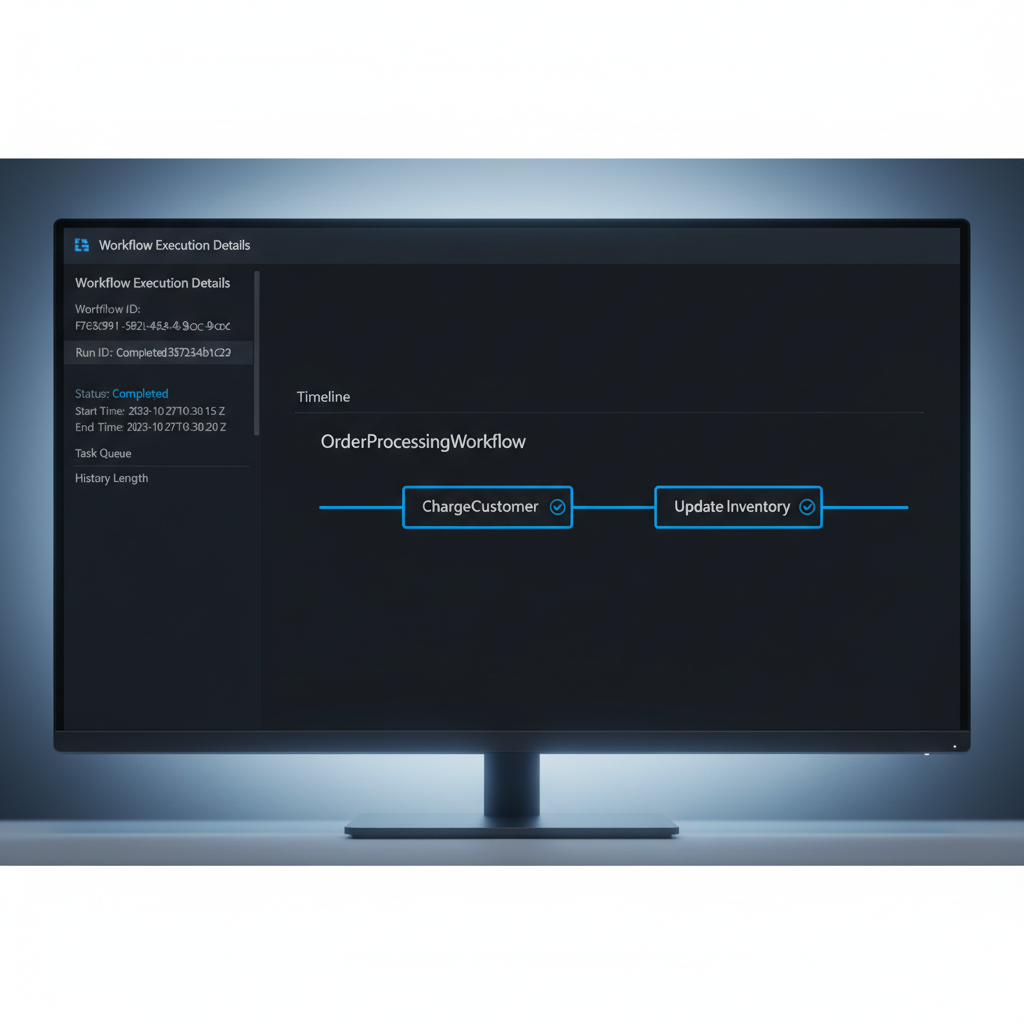
If updateInventory fails because your database is down, the workflow engine will automatically retry it up to 5 times. If the process running this workflow crashes, another worker will pick it up, skip the chargeCustomer step (since it’s already recorded as complete), and resume right at updateInventory.
Here’s what that looks like in the UI:
Common Mistakes Developers Make
When I first adopted workflow engines, I made several mistakes that forced me to rethink my workflow automation concepts entirely.
- Non-Deterministic Workflows: Workflows must be deterministic. This means if you run the exact same workflow code twice, it must follow the exact same path. Never use
Math.random(), current date/time functions, or direct API calls inside the workflow function itself. Always push these into Activities. - Huge Payloads: Passing massive JSON objects or files as inputs/outputs between activities will choke the engine’s database. Pass references (like an S3 URL or a database ID) instead.
- Infinite Retries on Bad Logic: Setting
maximumAttempts: Infinityis fine for network errors, but if your code has a syntax error or a null pointer exception, it will retry forever. Make sure to define non-retryable error types.
Choosing Your Tools
The ecosystem is vast, but here are the heavy hitters I regularly evaluate:
- Temporal: Code-first approach (my favorite). You write workflows in TS, Go, Java, or Python. Incredible for complex microservice orchestration.
- Apache Airflow: The grandfather of data pipelines. Excellent for scheduled batch jobs and ETL, but not ideal for high-throughput, low-latency microservices.
- AWS Step Functions: A serverless, JSON/YAML-based state machine. Great if you are fully bought into the AWS ecosystem (Lambda, DynamoDB), but the JSON configuration can become a nightmare to test and version control.
- Camunda: Uses BPMN (visual flowcharts) that map to code. Excellent when business analysts and non-technical stakeholders need to design or approve the workflows.
Introduction to Workflow Engines for Developers: Your Learning Path Forward
To master this domain, don’t just read documentation. Build a project that actually requires state. A great next step is to build an email drip campaign system. Create a workflow that sends an email, sleeps for 3 days (using the engine’s built-in sleep function, not setTimeout), and sends a follow-up if the user hasn’t replied.
Understanding the deeper execution mechanics of these engines will fundamentally change how you architect backend systems, moving you away from fragile scripts toward resilient, enterprise-grade architecture.
Frequently Asked Questions
What is the difference between a task queue and a workflow engine?
A task queue (like Celery or BullMQ) simply executes individual tasks asynchronously. A workflow engine sits above the queue, managing the state, dependencies, and complex routing (like retries, timeouts, and sequential order) of multiple interconnected tasks over long periods.
Can I use a workflow engine for simple background jobs?
Yes, but it might be overkill. If you just need to resize an image and don’t care about complex failure recovery or multi-step processes, a standard message queue is fine. Workflow engines shine when business logic requires multi-step state management.
What is determinism in workflow engines?
Determinism means that running the exact same workflow code with the same inputs will always produce the same sequence of commands. This is crucial because workflow engines “replay” your code to rebuild state after a crash. Random numbers or external API calls inside the workflow function break this.
How do workflow engines handle long-running processes?
Unlike standard API requests that time out after 30 seconds, workflow engines handle long-running tasks by executing an activity, saving the state to a database, and going to sleep. They can safely sleep for days or months and wake up exactly when needed.
Which workflow engine is best for beginners?
Temporal is highly recommended for developers because it uses a code-first approach (you write workflows in standard programming languages). If you prefer visual drag-and-drop builders, Camunda or AWS Step Functions might be easier to conceptualize initially.
Do workflow engines replace databases?
No. Workflow engines have their own internal databases to manage execution state, but your application will still need its own database to store actual business data (like user profiles, product catalogs, etc.).
What happens if the workflow engine itself crashes?
Modern workflow engines are highly available and distributed. If a worker node crashes, the central orchestrator notices the timeout and assigns the pending task to another healthy worker, ensuring zero data loss.
Official resources for Workflow Engines
Documentation and references for Workflow Engines:
