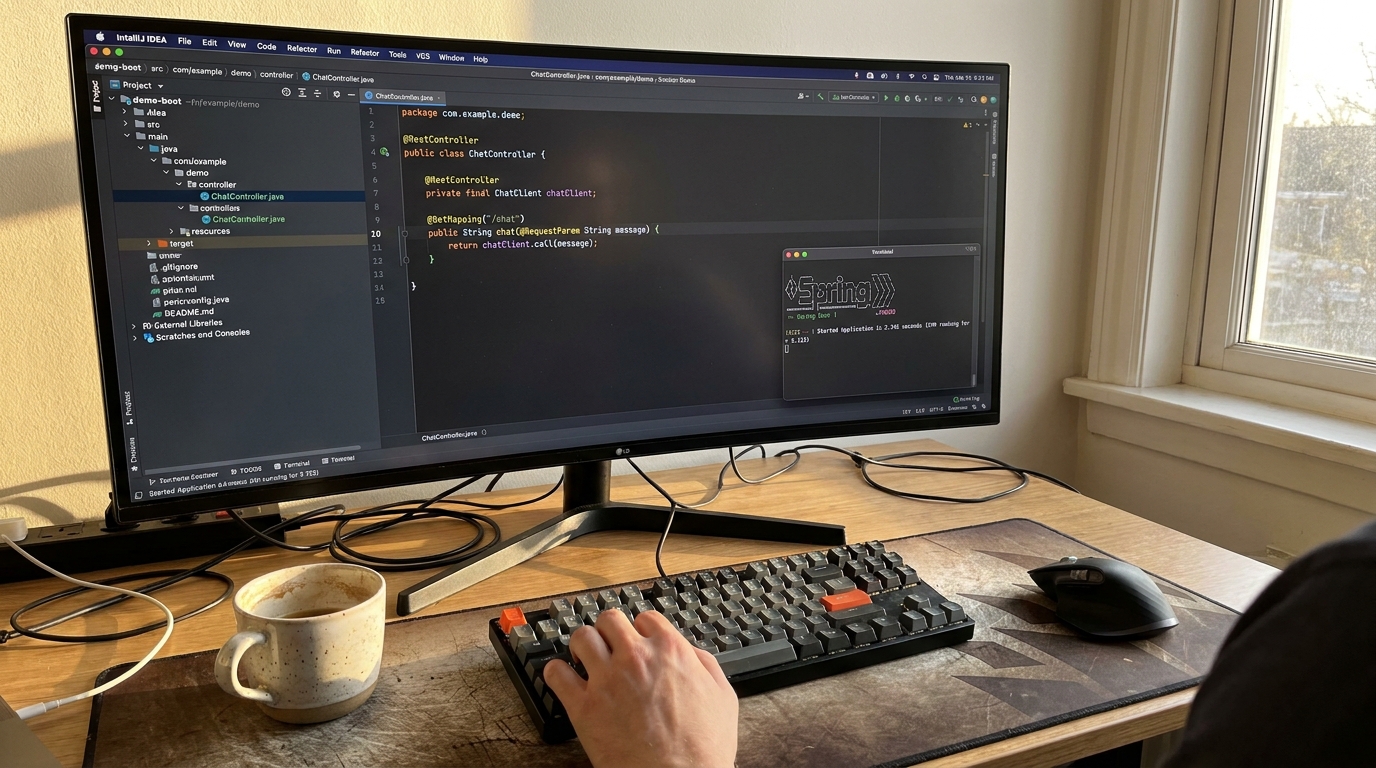
My Comprehensive Spring AI Framework Review
For the past year, the AI engineering space has been overwhelmingly dominated by Python. If you were an enterprise Java developer looking to integrate Large Language Models (LLMs) into your applications, you were forced to either spin up Python microservices, learn a new ecosystem, or write brittle boilerplate code to interact with REST APIs. That changes now. In this Spring AI framework review, I’m going to share my firsthand experience testing this highly anticipated project in a real-world environment.
After migrating two mid-sized Spring Boot applications to use Spring AI for Retrieval-Augmented Generation (RAG) and automated summarization, I’ve seen the good, the bad, and the beta. Before diving into my analysis, if you’re completely new to this library, I highly recommend understanding its core features first to get a grasp of its architectural goals.
Let’s dive into whether this framework truly delivers on its promise to bring AI engineering to the Spring ecosystem.
Strengths: What Spring AI Gets Right
After putting the framework through its paces, a few standout strengths make it incredibly appealing for existing Spring Boot backend engineering teams.
1. The Portable “ChatClient” Abstraction
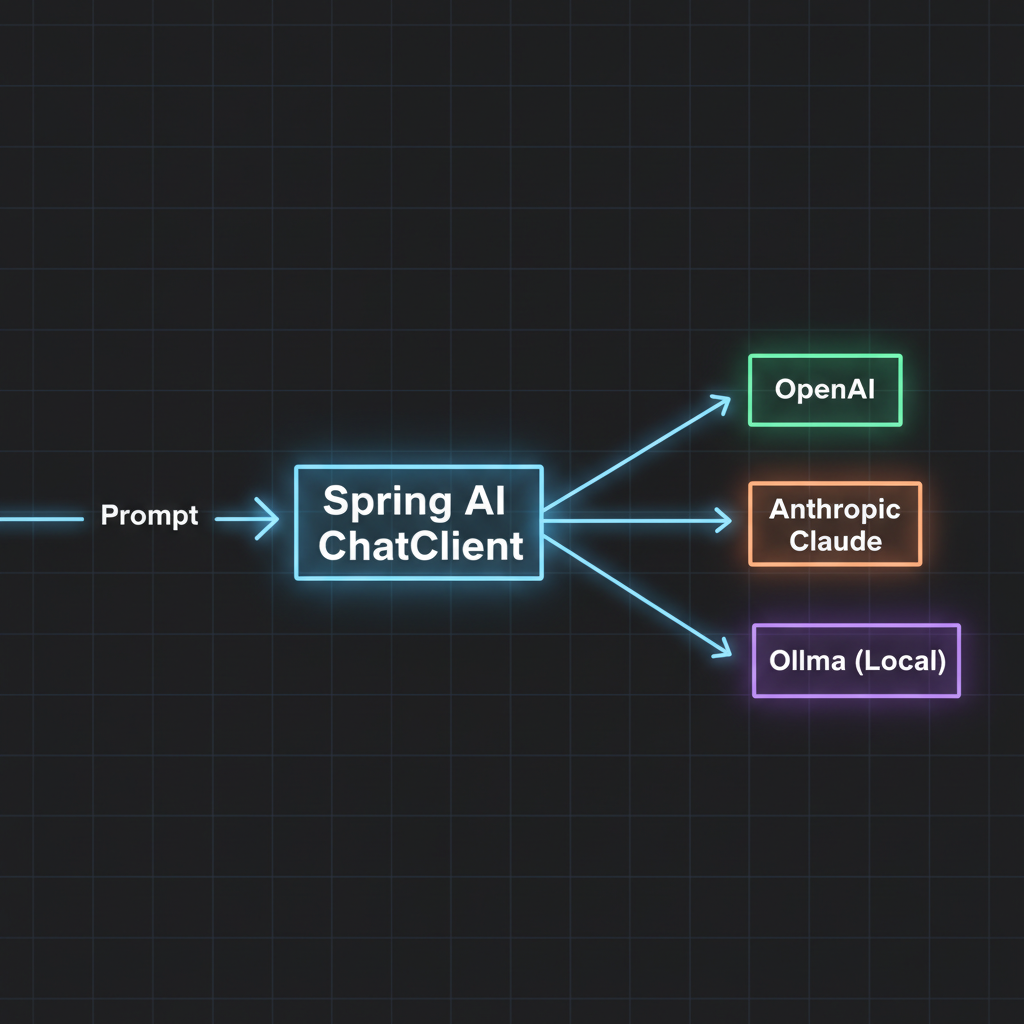
If you’ve ever used JdbcTemplate or RestTemplate, you already know how to use Spring AI. The framework abstracts away the specific provider’s API (OpenAI, Anthropic, Ollama) behind a unified ChatClient. I was able to swap my application from GPT-4 to a locally hosted Llama 3 model simply by changing my application.yml properties. No code changes required.
2. Seamless Spring Boot Auto-Configuration
The auto-configuration is magical. You drop the starter dependency into your pom.xml, add your API key to your configuration file, and inject the client. It feels incredibly native to anyone who has spent time in the Spring ecosystem.
3. Prompts as First-Class Citizens
Instead of concatenating massive strings, Spring AI introduces PromptTemplate. It allows you to externalize your prompts into .st (StringTemplate) files in your resources folder. This keeps your Java code clean and allows non-developers to tweak AI instructions without touching the backend logic.
4. Out-of-the-Box Vector Database Support
Building RAG applications requires storing and querying embeddings. Spring AI currently provides seamless integrations with Neo4j, PgVector, Milvus, Chroma, and more. The VectorStore interface standardized my database interactions beautifully.
5. Simple Function Calling
Giving an LLM the ability to trigger your Java methods is notoriously tricky. Spring AI solves this by allowing you to register standard Java java.util.function.Function beans. The framework handles the JSON schema generation and API routing under the hood. It is, frankly, brilliant.
Weaknesses: Where It Still Needs Work
No honest Spring AI framework review would be complete without looking at the rough edges. It is still an evolving project, and it shows in a few areas.
1. The Documentation Gap
While the official Spring documentation is historically excellent, the Spring AI docs are currently playing catch-up. Many advanced configurations—especially around complex RAG pipelines and custom conversational memory—require diving into the source code to figure out how they work.
2. Rapidly Changing API
Because it’s still in the milestone/release candidate phases, breaking changes are common between versions. Upgrading from 0.8.0 to 1.0.0-M1 required refactoring how I instantiated my ChatClient.
3. Smaller Community Ecosystem
If you hit a weird edge case in Python’s LangChain, you’ll find hundreds of StackOverflow threads. If you hit an edge case in Spring AI, you might be the first person to encounter it. The community is growing, but it lacks the critical mass of its Python counterparts.
Pricing and Total Cost of Ownership
Spring AI itself is entirely open-source and free to use under the Apache 2.0 license. However, your cost will come from the LLM providers and infrastructure. From an engineering cost perspective, Spring AI drastically reduces development time for Java teams. Not having to hire specialized Python data engineers to build basic GenAI features saved my team weeks of onboarding and cross-service communication overhead.
Performance Impressions
Java is generally faster than Python for traditional web operations, but how does the AI framework perform? Because LLM interactions are inherently I/O bound (waiting for the OpenAI or Anthropic servers to respond), the framework’s performance overhead is negligible.
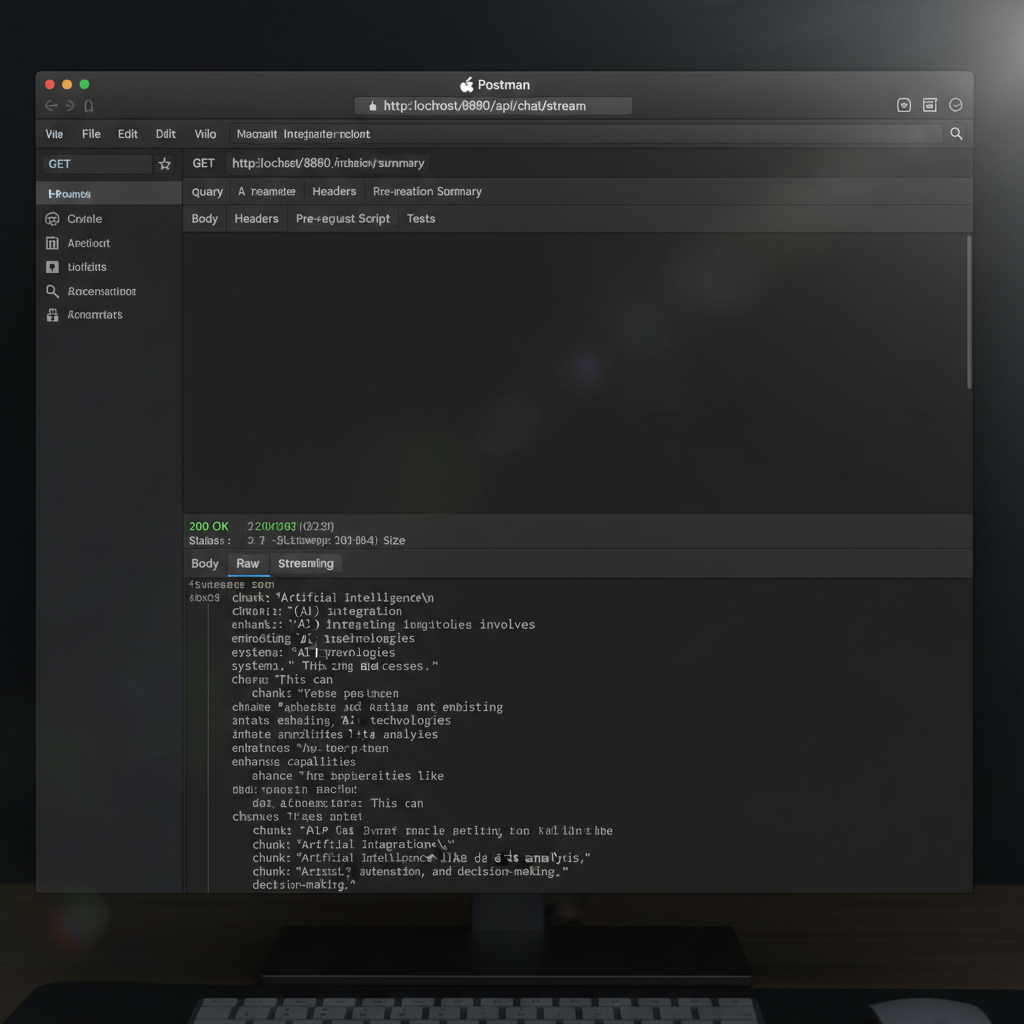
Where Spring AI shines is in its integration with Spring WebFlux. Streaming tokens directly to the client using Flux<String> worked flawlessly in my tests, maintaining a highly responsive UI without blocking server threads.
User Experience: A Look at the Code
The developer experience is the best part of this tool. Here is a real example of how clean the implementation is for a streaming endpoint:
@RestController
@RequestMapping("/api/chat")
public class ChatController {

    private final ChatClient chatClient;

    public ChatController(ChatClient.Builder builder) {
        this.chatClient = builder.build();
    }

    @GetMapping("/stream")
    public Flux<String> streamResponse(@RequestParam String message) {
        return this.chatClient.prompt()
                .user(message)
                .stream()
                .content();
    }
}
As you can see, the API is fluent, readable, and highly expressive. This is exactly what developer productivity tools should look like in the modern era.
Comparison: Spring AI vs The Competition
The elephant in the room for Java developers is LangChain4j. While both aim to solve similar problems, their philosophies differ. Spring AI is heavily opinionated towards the Spring ecosystem. It leverages Spring beans, auto-configuration, and standard Spring paradigms.
LangChain4j is more generic and loosely coupled, making it better for non-Spring Java apps. If you are debating between the two, I highly recommend reading my in-depth Spring AI vs LangChain4j comparison. Additionally, if you’re looking to explore outside the Java ecosystem entirely, check out these alternatives to the Spring AI framework.
Who Should Use Spring AI?
You should use it if:
- You already have a mature Spring Boot architecture.
- Your team is primarily composed of Java developers.
- You need to add “chat with your data” (RAG) features to existing monolithic or microservice apps.
You should skip it if:
- You are building heavy machine learning models from scratch (stick to Python).
- You are not using Spring Boot (look at LangChain4j instead).
- You require a highly stable API that won’t change for the next 5 years (wait for version 1.0 to mature).
Final Verdict
My final Spring AI framework review comes down to this: It is a massive win for enterprise Java developers. While it still suffers from some growing pains common to new libraries—like light documentation and shifting APIs—the core architecture is brilliantly designed.
It successfully demystifies AI integration, turning complex LLM interactions into standard Spring components. I am confidently deploying it into low-risk production environments today, and I expect it to become the industry standard for Java-based AI engineering by late 2024.
Frequently Asked Questions (FAQ)
Is the Spring AI framework production ready?
While it is technically still in milestone/pre-release phases, the core API is stable enough for low-to-medium risk production workloads. Enterprise teams are already using it, but you should expect minor breaking changes when upgrading versions until 1.0 is officially released.
How does Spring AI handle prompt engineering?
Spring AI uses PromptTemplate, which allows you to store your prompts as .st (StringTemplate) files in your resources folder. This cleanly separates your prompt logic from your Java application code, making it highly maintainable.
Does Spring AI support local models like Ollama?
Yes. Spring AI has first-class integration with Ollama. By simply changing your application.yml properties, you can switch from a cloud provider like OpenAI to a local model running on your own hardware without changing your Java code.
What version of Java and Spring Boot is required?
Spring AI requires Java 17 or higher and relies on Spring Boot 3.2.x or later. If you are on an older version of Spring Boot 2.x or Java 11, you will need to upgrade your application first.
Is there a performance penalty compared to using Python?
No. Generating AI text is an I/O bound process (waiting on network responses from LLM providers). Spring AI handles this beautifully, especially when paired with Spring WebFlux for non-blocking asynchronous streaming.
Can I build RAG (Retrieval-Augmented Generation) applications with it?
Absolutely. Spring AI includes an ETL pipeline API for document parsing and built-in VectorStore abstractions that connect to databases like PgVector, Neo4j, Redis, and Milvus to handle semantic search.
How much does the Spring AI framework cost?
The framework itself is open-source and 100% free. The only costs you will incur are the standard API token usage costs billed by your chosen LLM provider (e.g., OpenAI, Anthropic) or your own hosting costs if running local models.
How do I migrate from direct API calls to Spring AI?
Migration is straightforward. You replace your existing RestTemplate or WebClient API calls with the injected ChatClient. Since Spring AI handles the JSON schema mapping automatically, you can usually delete hundreds of lines of boilerplate DTOs.
Official resources for Spring AI Framework Review
Documentation and references for Spring AI Framework Review:
