
The Automation Dilemma
When you start architecting automated systems, the debate of Make.com vs Zapier for developers inevitably surfaces. As someone who has built dozens of production-level workflows, I know that ‘easy’ isn’t always ‘better’ when you are working with complex data schemas or high-volume API calls. Both tools dominate the market, but they serve fundamentally different types of automation philosophies.
If you’re building beyond basic notifications, you are likely looking for zapier alternatives for technical founders that won’t break the bank when you scale. Let’s look at how they stack up.
Zapier: The King of Simplicity
Zapier is the gold standard for rapid prototyping. If you need to pipe a webhook from Stripe to Slack in under five minutes, it’s unbeatable. Its strength lies in its massive library of integrations and ‘it just works’ reliability. However, for a developer, the limitation often hits when you need complex logic, arrays, or data manipulation between steps.
Make.com: The Visual Logic Engine
Make (formerly Integromat) feels much more like a visual programming environment. Instead of linear ‘Zap’ steps, you work on a canvas where you can branch logic, iterate through arrays, and aggregate data. If you are comfortable with JSON structures and API documentation, Make.com gives you the surgical control that Zapier often hides behind its abstraction layers.
When you need more power, check out my make.com custom apps tutorial to see how you can extend the platform to handle non-standard internal APIs.
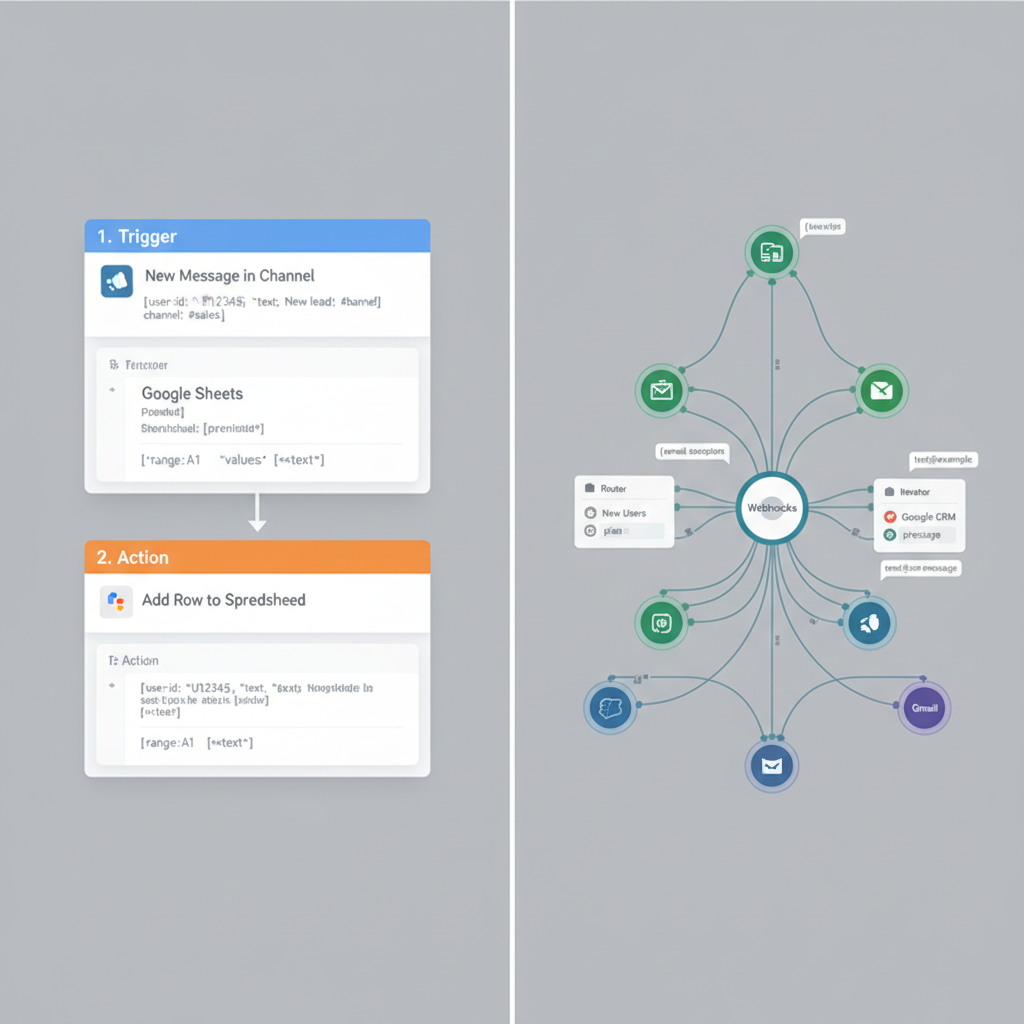
Feature Comparison Table
| Feature | Zapier | Make.com |
|---|---|---|
| Interface | Linear/List | Visual/Node-based |
| Logic | Simple filters/Paths | Advanced branching/Iterators |
| Data Handling | Limited manipulation | Full array/collection support |
| Pricing | Task-based (expensive) | Operations-based (granular) |
| Developer Mode | Minimal | Deep API/Webhooks access |
Which One Should You Choose?
In my experience, Zapier is the winner for B2B SaaS marketing stacks where reliability is the priority over complex logic. Use it when you don’t want to maintain the integration. Choose Make.com if you are building internal tools, ETL pipelines, or complex data transformation layers where a single task might involve parsing multiple JSON objects.
Before you commit to a subscription, map out your monthly execution volume. Make.com is almost always cheaper as you scale into the tens of thousands of operations per month, whereas Zapier’s pricing model can become a significant line item for high-frequency workflows.
Make.com vs Zapier for Developers: Final Verdict
If you want to move fast without thinking about the underlying data structure, stick with Zapier. If you are an engineer at heart who wants the freedom to manipulate payloads and iterate on data without writing custom server-side scripts, Make.com is the professional choice.
Frequently Asked Questions
Official resources for Make.com vs Zapier for Developers
Documentation and references for Make.com vs Zapier for Developers:
