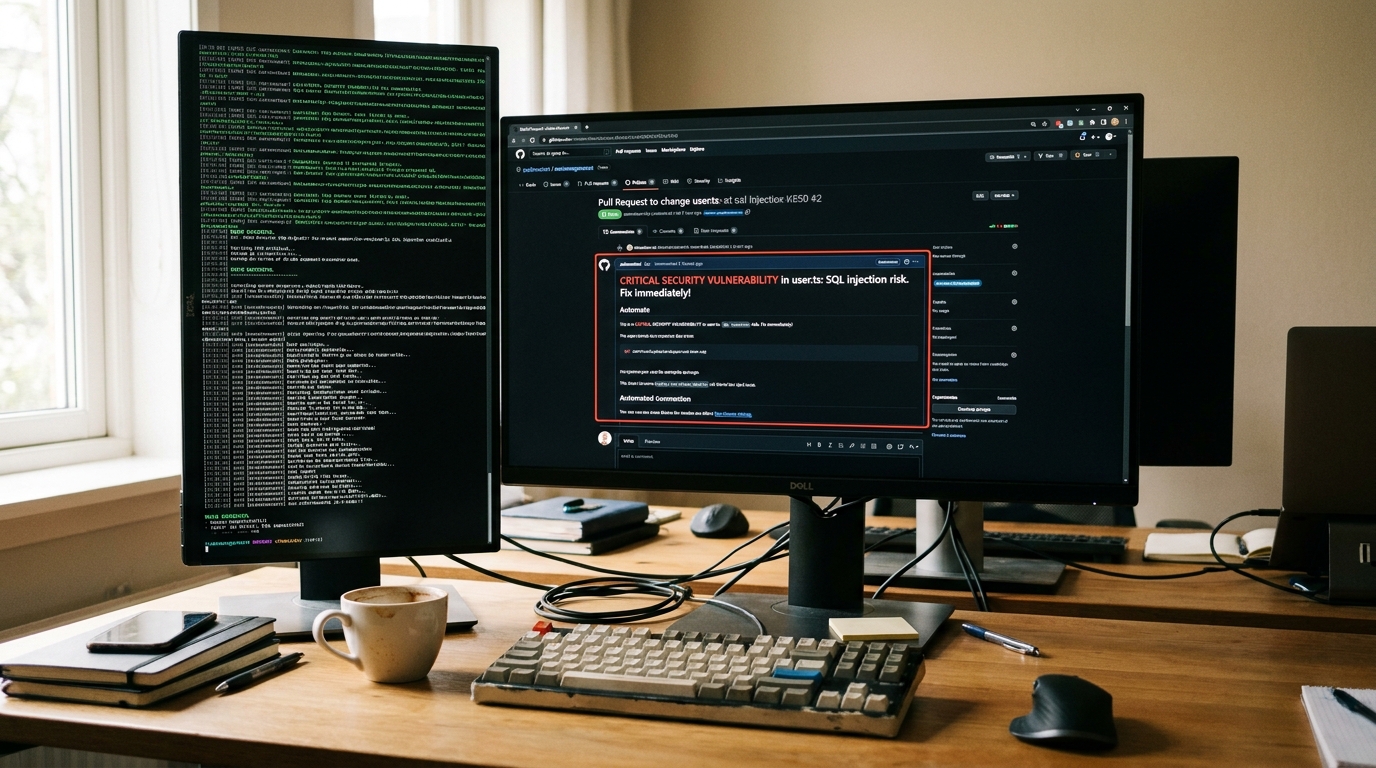
The PR Bottleneck is Real
If you’re leading an engineering team, you already know the pain of pull request gridlock. Developers spend hours waiting for reviews, and when those reviews finally happen, senior engineers waste time pointing out styling errors, missing type definitions, or obvious security flaws instead of focusing on architecture. That’s why I put together this comprehensive automated code review tools review.
Over the last six months, I integrated four of the most popular static analysis and automated review platforms into my team’s continuous integration pipelines. My goal was simple: stop humans from doing machines’ work. In this review, I’ll break down the strengths, weaknesses, performance, and real-world developer experience of SonarQube, Codacy, and DeepSource.
Strengths: What These Tools Get Right
After running thousands of commits through these platforms, several massive benefits emerged across the board.
- Instant Feedback Loops: Instead of waiting 12 hours for a senior dev to review a PR, developers get inline comments about bugs and code smells within 2-3 minutes of pushing code.
- Enforced Standards: Debates about formatting and style in PR comments completely disappeared. The bot becomes the bad guy.
- Shift-Left Security: All three major tools successfully flagged hardcoded credentials, SQL injection vulnerabilities, and vulnerable dependencies before they ever reached the main branch, acting as a core pillar of our DevSecOps initiatives.
- Technical Debt Visibility: SonarQube, in particular, offers fantastic dashboards for quantifying and managing technical debt, turning abstract “bad code” into measurable metrics (e.g., “8 days of debt”).
- CI/CD Integration: Setting these up is easier than ever. Most offer native integrations that rival the simplicity of GitHub Actions for infrastructure automation.
Weaknesses: The Reality Check
Despite the marketing promises, automated review tools aren’t magic. Here are the frustrations I encountered during my testing:
- The False Positive Avalanche: Out of the box, these tools are overly aggressive. During the first week of testing Codacy, my team ignored the bot entirely because it flagged hundreds of “issues” that were actually intentional design choices in our legacy codebase. Tuning the ruleset is mandatory.
- Context Blindness: A static analyzer can tell you if a function is too cyclomatically complex. It cannot tell you if your business logic actually solves the customer’s problem or if you’re using the wrong architectural pattern.
- Performance Overhead: While DeepSource was lightning fast, running a full SonarQube scan on a monorepo with millions of lines of code added 8-12 minutes to our build times.
- Cost at Scale: Pricing per developer can scale aggressively. What costs $15/month for a startup can easily balloon into thousands for an enterprise team.
Pricing and Tiers
Budget is often the deciding factor for engineering teams. Here’s how the pricing models compare for a standard team of 20 developers:
| Tool | Open Source Pricing | Pro/Team Tier (Est. for 20 Devs) | Best For |
|---|---|---|---|
| SonarCloud | Free | ~$150/mo (Based on LOC) | Large enterprise codebases |
| Codacy | Free | $300/mo ($15/user) | Teams wanting high-level dashboards |
| DeepSource | Free | $240/mo ($12/user) | Startups wanting fast autofixes |
Performance & CI/CD Integration
To truly evaluate these tools, I had to look at how they fit into existing workflows. A tool that requires developers to leave their IDE or GitHub is a tool that won’t be used.
DeepSource was the absolute winner in speed. Because they focus heavily on single-file analysis rather than full cross-project taint analysis on every run, PR checks finished in under 45 seconds for our Next.js frontend.
Implementing them is incredibly straightforward. If you are already implementing workflow automation best practices for engineers, adding a scanner to your pipeline takes about 5 minutes. Here’s a real example of how easy it is to add SonarCloud to a GitHub Action:
name: Code Review
on:
  push:
    branches: [ "main" ]
  pull_request:
    types: [opened, synchronize, reopened]
jobs:
  sonarcloud:
    name: SonarCloud Scan
    runs-on: ubuntu-latest
    steps:
      - uses: actions/checkout@v3
        with:
          fetch-depth: 0
      - name: SonarCloud Scan
        uses: SonarSource/sonarcloud-github-action@master
        env:
          GITHUB_TOKEN: ${{ secrets.GITHUB_TOKEN }}
          SONAR_TOKEN: ${{ secrets.SONAR_TOKEN }}
User Experience & Dashboards
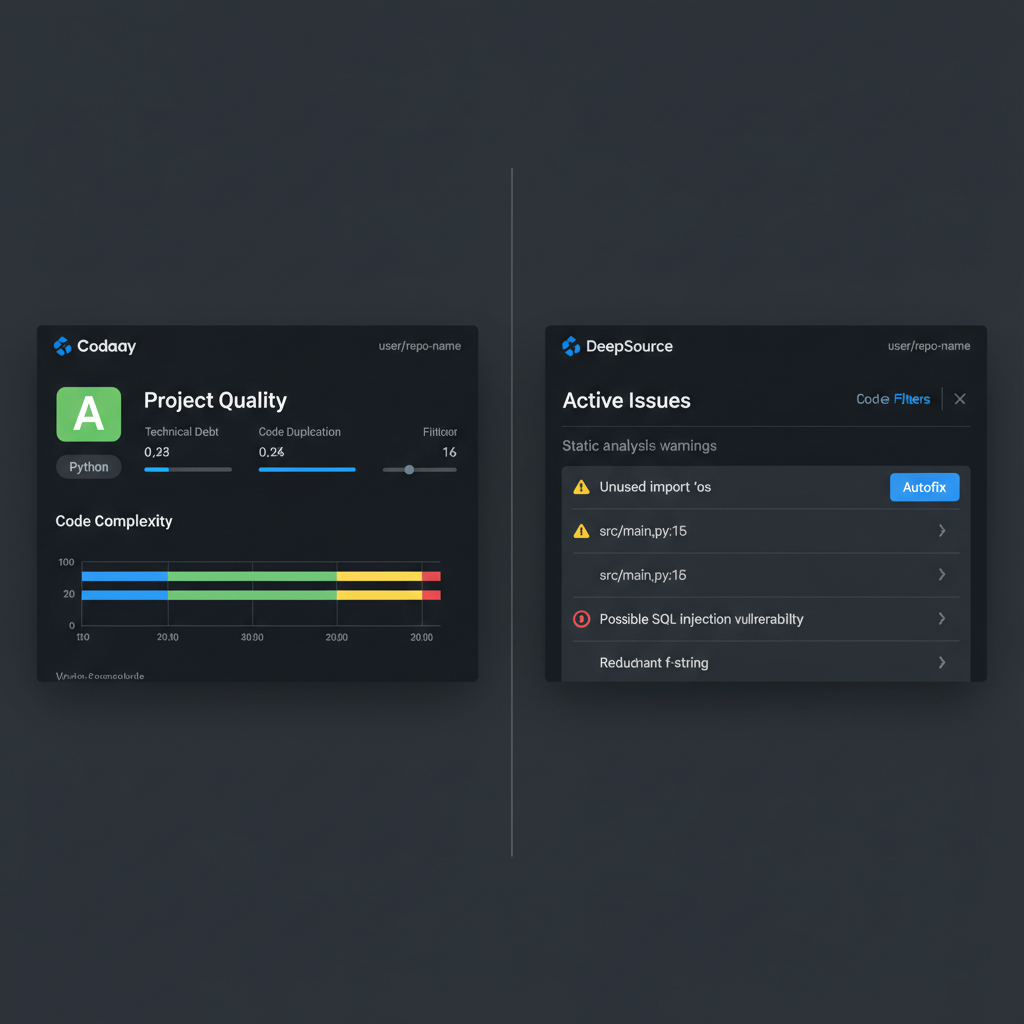
The developer experience (DX) varies wildly between these platforms. As you’ll see in the comparison below, they target very different audiences.
Codacy acts like a manager’s dashboard. It gives you letter grades (A, B, C) and beautiful charts showing how your code quality is trending over time. It’s fantastic for engineering directors who need to report on technical debt to stakeholders.
DeepSource, on the other hand, is built purely for the individual contributor. The dashboard is minimalist, focusing entirely on “Active Issues.” More importantly, DeepSource excels at Autofixing. Instead of just telling you a variable is unused, it pushes a commit to your PR removing it.
Who Should Use Which Tool?
Choose SonarQube/SonarCloud if:
You have a massive Java, C#, or C++ legacy codebase. Their cross-file taint analysis is industry-leading for finding deep security vulnerabilities that span multiple microservices. It’s the enterprise standard for a reason.
Choose Codacy if:
You manage multiple teams across different repositories and need standardized reporting. If you need to answer the question, “Is our code quality getting better or worse this quarter?” Codacy has the best metrics.
Choose DeepSource if:
You are a modern startup using Python, Go, or TypeScript. If your priority is developer speed, low friction, and automatic code fixes directly in GitHub, DeepSource feels the most modern and least intrusive.
Automated Code Review Tools Review: My Final Verdict
After completing this automated code review tools review, my team decided to adopt DeepSource for our frontend repositories (TypeScript/React) due to its incredible speed and autofix capabilities. However, for our core backend services dealing with sensitive financial data, we maintain a strict SonarCloud gate to ensure compliance and deep security scanning.
Whichever tool you choose, the ROI is undeniable. Automating the trivial parts of code review frees up your senior engineers to do what they do best: review architecture, mentor juniors, and solve actual business problems.
Frequently Asked Questions
Official resources for Automated Code Review Tools Review
Documentation and references for Automated Code Review Tools Review:
